1
Add the skills to your agent
They run in the agent you already use: Claude Code, Codex or Cursor. They work in your own repo, on your own product.
 the landing page blueprint
Most founders can build a product, but don't know how to sell it on a landing page. The Landing Page Blueprint teaches you and your agent the exact steps I use on my own products, so every landing page you build from now on sells.
This page was built with the course skills
My products have been featured in

You know how it goes. The product is done, so you open your agent and type 'build me a landing page'. Two minutes later you have a hero, three feature cards and a gradient.
It looks fine. It also looks like every other AI page, and people see that from a mile away.
Then the visitors come, and they leave without knowing what your product does. You can tell the page isn't good. You just can't tell why.
It's not because you can't build. Nobody taught you the steps that come before the design: who buys, what they say in their own words, and what you can prove. Your agent doesn't know them either, so it guesses.
I've done the same steps by hand for 10+ years to get there. I wrote them down, so you and your agent can follow them.
They run in the agent you already use: Claude Code, Codex or Cursor. They work in your own repo, on your own product.
Your agent finds who buys, what they say in their own words, what they compare you with and what you can prove. That's the part you skipped when you one-shotted it.
Your agent writes the page, then designs it. It waits for your OK after each step, and a video shows you why the step works.
Put the page live and measure it. The research is done, so your next page goes from step 1 straight to step 7.
Every step works the same way. A short video, under four minutes, where I tell you why the step exists and what you get out of it. A written guide with the details. And a skill that your agent runs with you. Each step makes one thing that the next step builds on.
steps 1 to 6
Know what the page must say before you write a word.
VIDEO 01 · Goal and offer
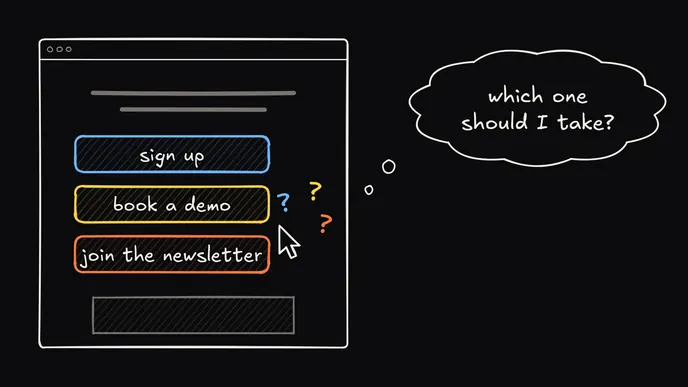
One page, one goal. You set the offer, the price and the one button first.
OutputPage brief
VIDEO 02 · Customer research
Your agent goes through your survey answers and your analytics, and finds the pains and the exact phrases your buyers use.
OutputICP
VIDEO 03 · Competitor research
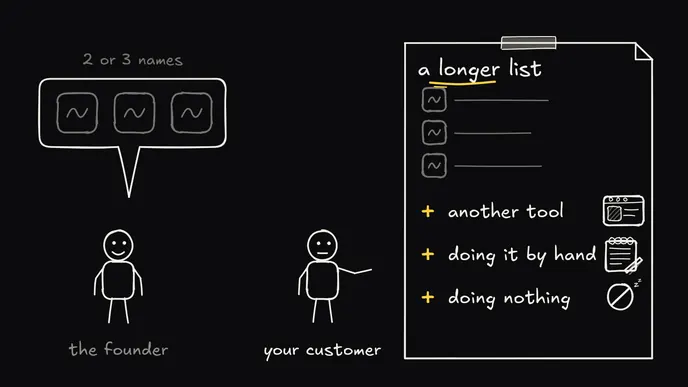
What the alternatives promise, what they charge, and the gap that your page can fill.
OutputCompetitor brief
VIDEO 04 · Proof
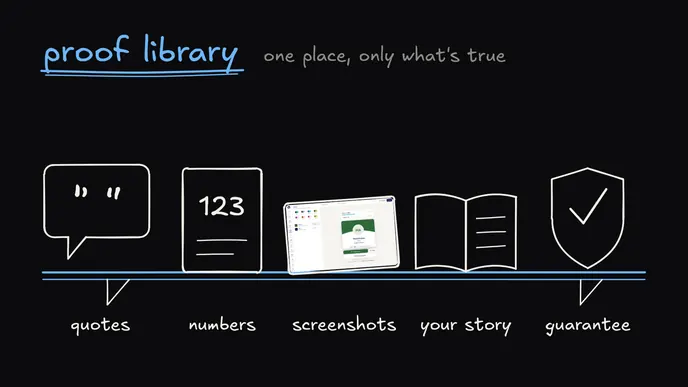
Testimonials, numbers, logos and screenshots. A claim without proof gets toned down or cut.
OutputProof library
VIDEO 05 · Brand story
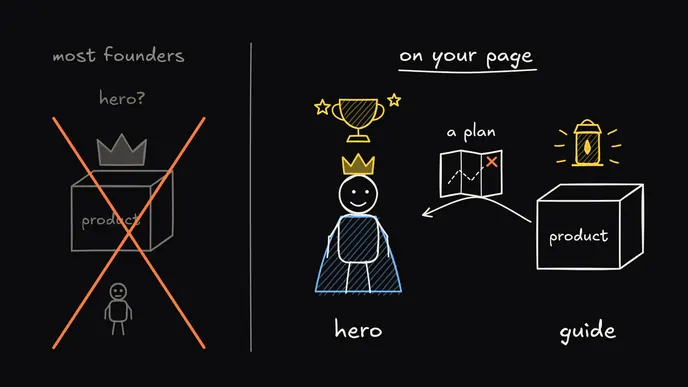
What your customer wants, what stops them and how your product helps. Every section of the page tells a part of it.
OutputBrand story
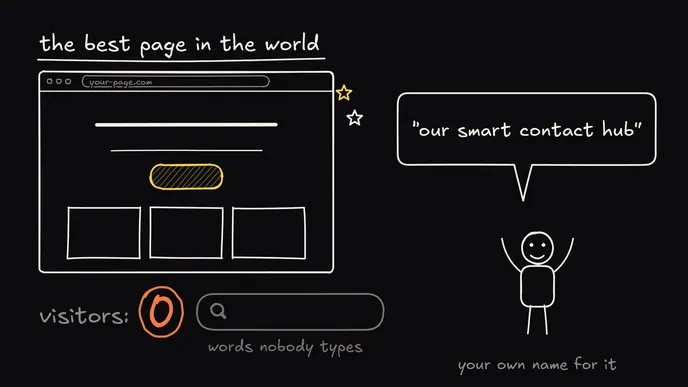
VIDEO 06 · SEO research
One search term for the headline, and the questions for your FAQ. Only for pages that get search traffic.
OutputSEO brief
steps 7 and 8
The words come before the design.
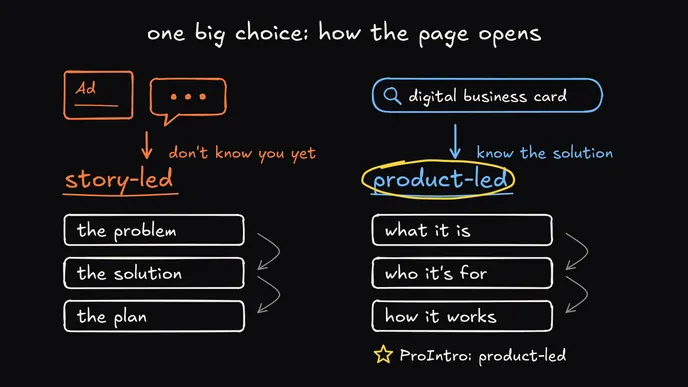
VIDEO 07 · The copy
Every headline, every line and every button, built from your research. From here on, this file is the page.
OutputThe full page copy
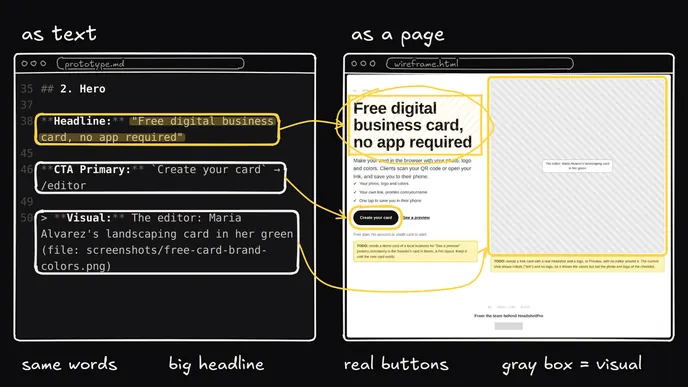
VIDEO 08 · Wireframe
Your copy on a real page, with boxes where the visuals go. This is the cheap moment to move things around.
OutputWireframe
steps 9 to 12
Four design steps, so the page gets its own look and nobody sees from a mile away that AI made it.
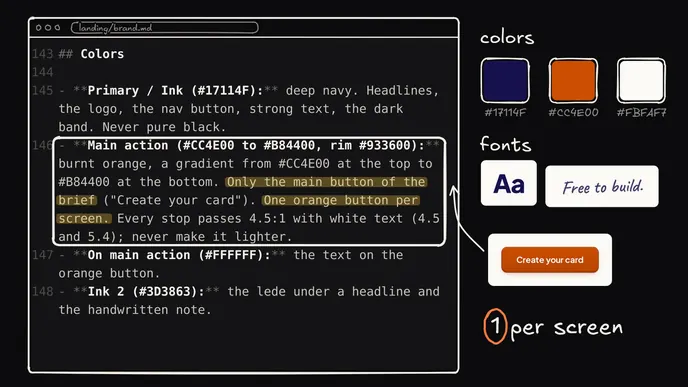
VIDEO 09 · Brand guidelines
Colors, type and the rules for them, so the page doesn't end up with your agent's default look.
OutputBrand guidelines and design tokens
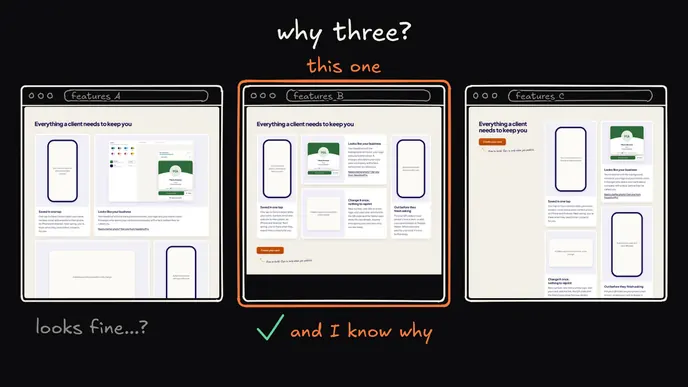
VIDEO 10 · The design
For each section you see three versions, and you pick one.
OutputFully designed page
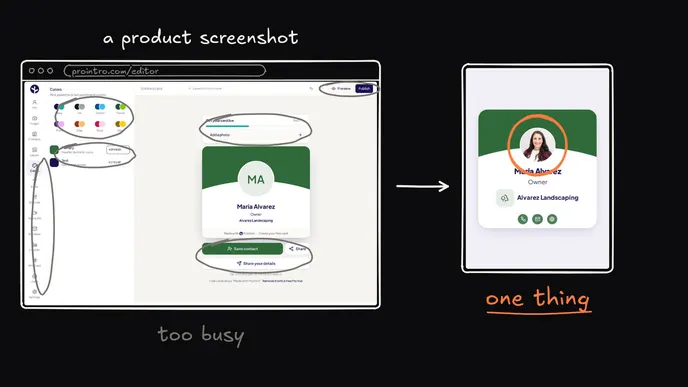
VIDEO 11 · Visuals
The screens and graphics that each section needs.
OutputFinished visuals
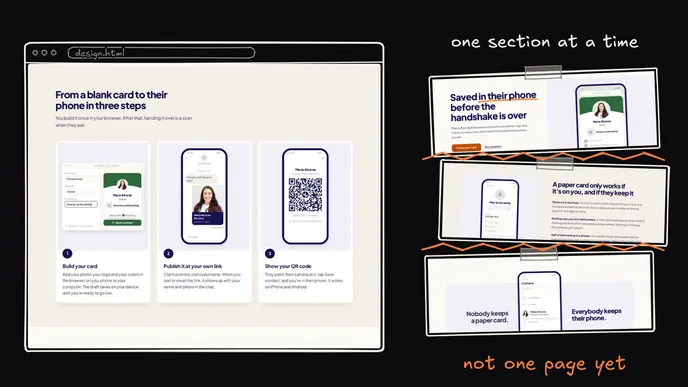
VIDEO 12 · Polish
One consistent page that also works on a phone.
OutputA polished, responsive page
steps 13 and 14
Put it live and see what it does.
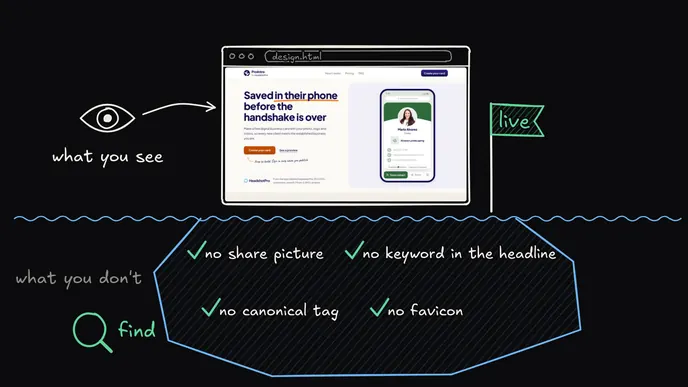
VIDEO 13 · Final checks
Search, AI answers, speed and the image that shows when someone shares your link.
OutputA page that is ready to ship
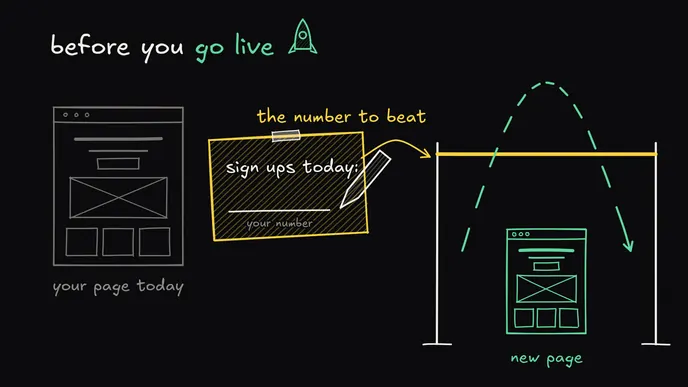
VIDEO 14 · Measure
Tracking in the tool you use, so you know how the page converts. This step is optional.
OutputTracking set up
Do this once, and you never start a landing page from a blank prompt again.
Open them and judge for yourself. The third one, you're reading now.
The homepage of HeadshotPro, my own product.
The homepage of ProIntro, the demo product of the course.
The page you're reading now, made with the same 14 steps.
I've built landing pages for my own products for 10+ years.
For most of that time I did every step by hand. Now those steps are skills, and my agent runs them on my own products.
On HeadshotPro, I tested a page built with these steps against the old one. Conversion went from 2.4% to 3.3%. That's 38% more.
This course is those same steps. It gives you and your agent what I've done by hand for a decade.
Danny
@dannypostma on X10+ years
of building landing pages
190K+
followers on X
+38%
conversion in an A/B test
600+
founders bought the pre-sale
14-day money-back guarantee. Not happy within 14 days? Full refund.
No, with one exception. The skills run in the agent you already use. Only the SEO step works best with a keyword tool: Ahrefs or DataForSEO.
Claude Code, Codex, Cursor or any other agent. The skills run in your own repo.
No. Nobody can promise that. What I can show you: the same steps raised HeadshotPro's conversion by 38% in an A/B test, from 2.4% to 3.3%. And if you're not happy within 14 days, you get a full refund.
Probably yes, unless you do conversion work for a living. This is for founders who build well and guess at the page. If it's too basic for you, ask for your money back within 14 days.
No. It's about landing pages, for your own product. It doesn't teach deploys or analytics in depth, and the last step, measure, is optional and high level.
No. The research runs once for each product. Every page after the first gets its own goal and offer in step 1, then goes straight to step 7.
I'll show you and your agent how, step by step.